
Keep everything important in one place.
Afterpage is a home for the documents you don't want to lose, organized the way you think about them.
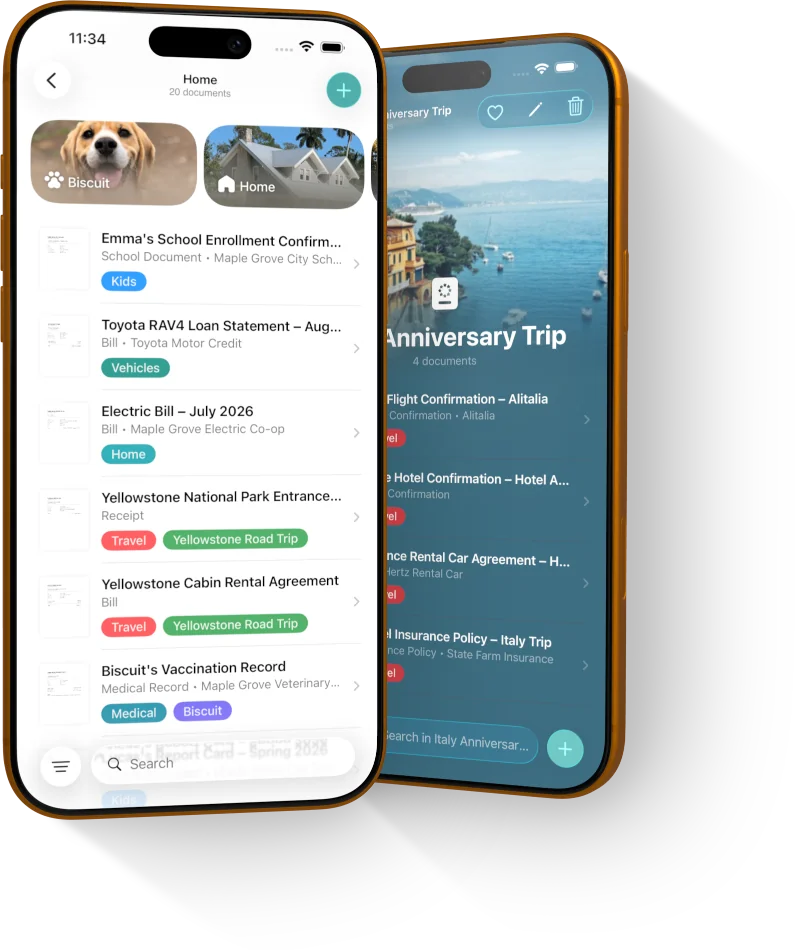





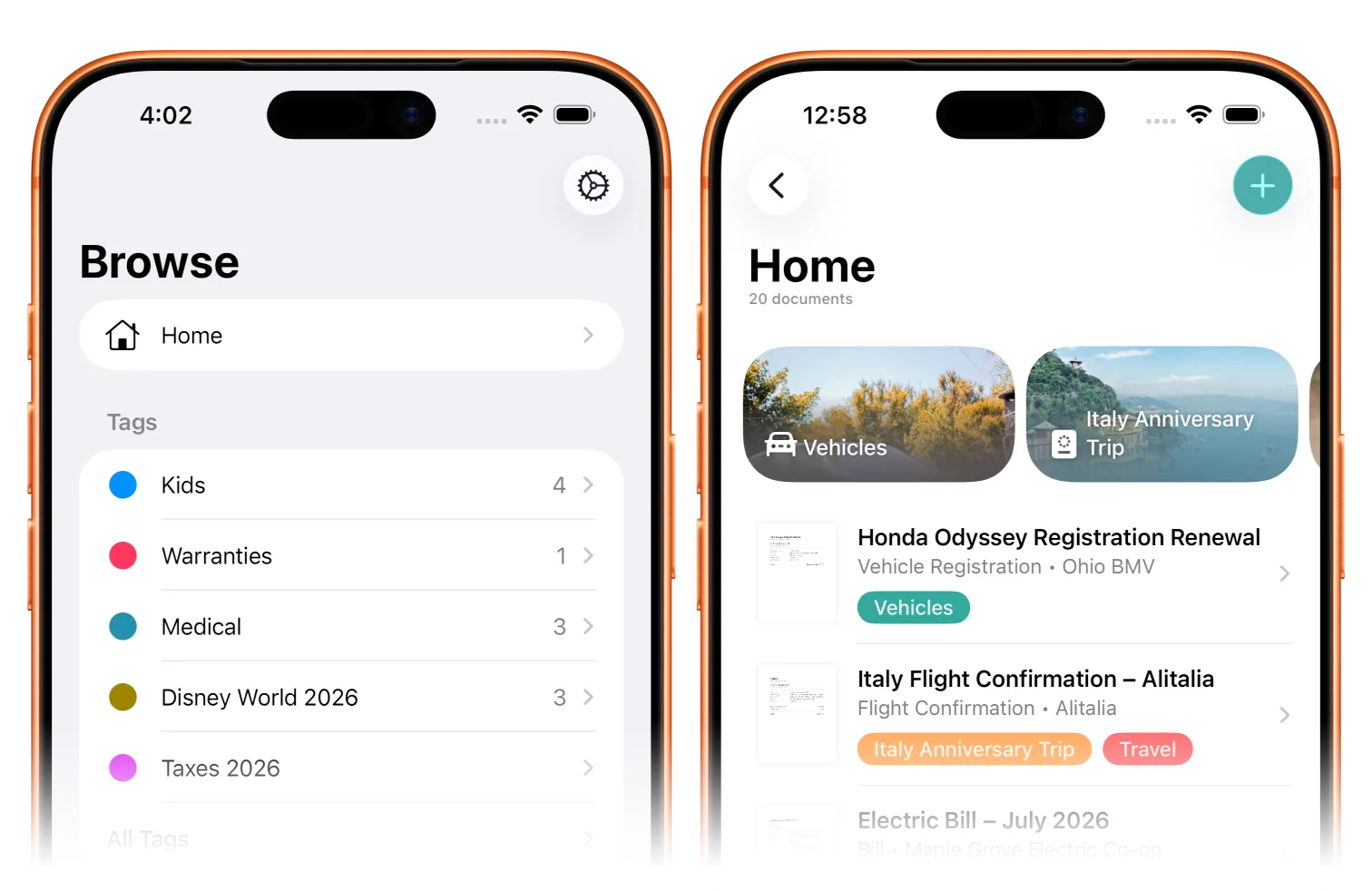
Personalize your space
Custom icons, backgrounds, and more for your tags, categories, and contacts.
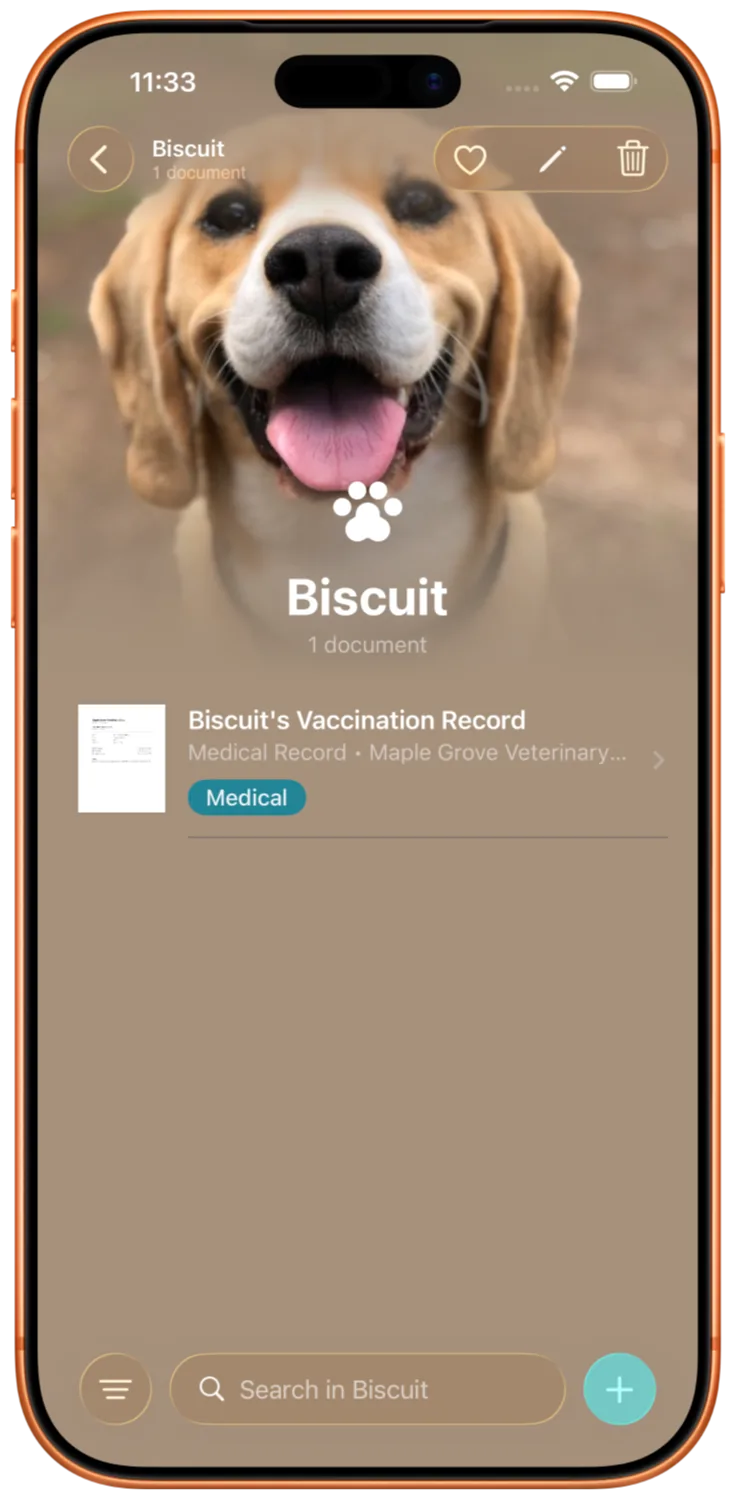
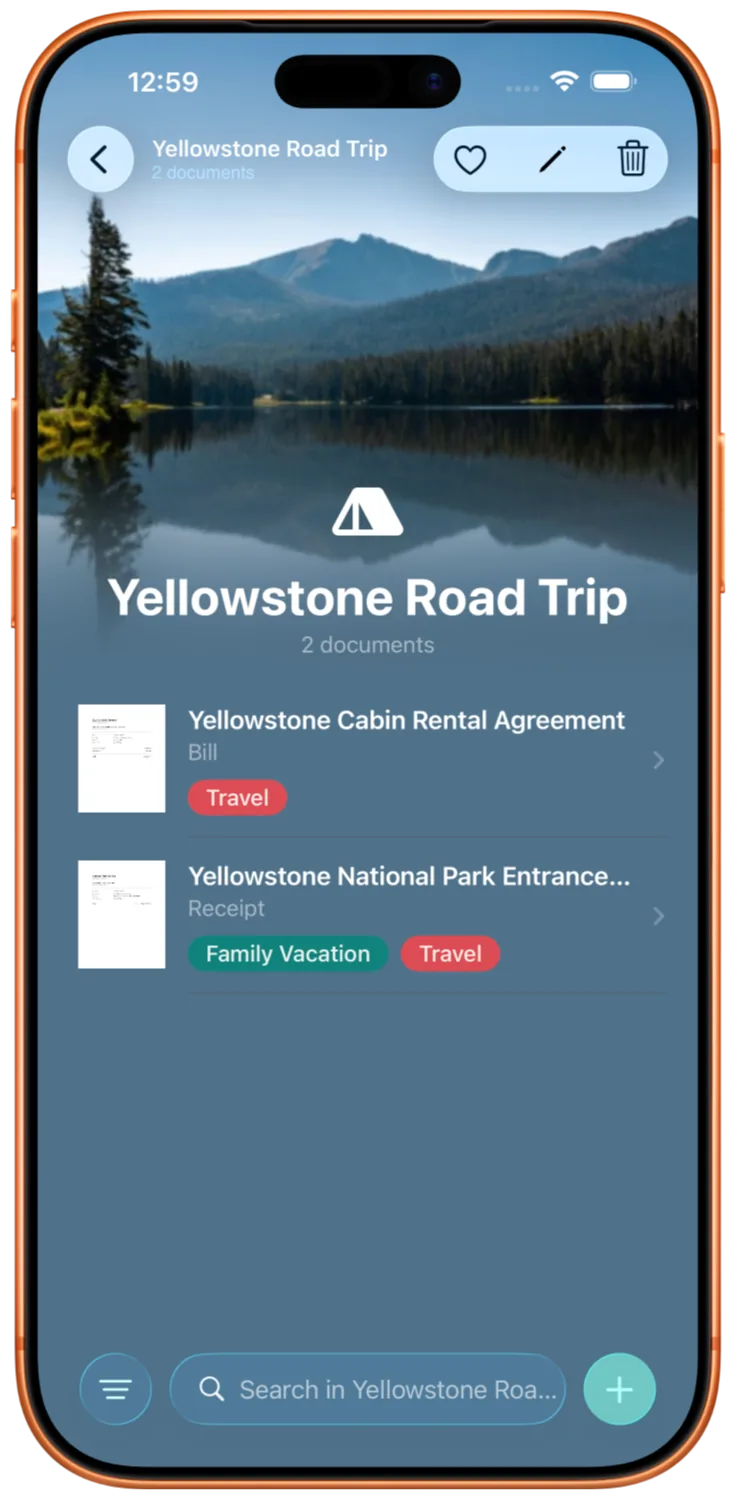
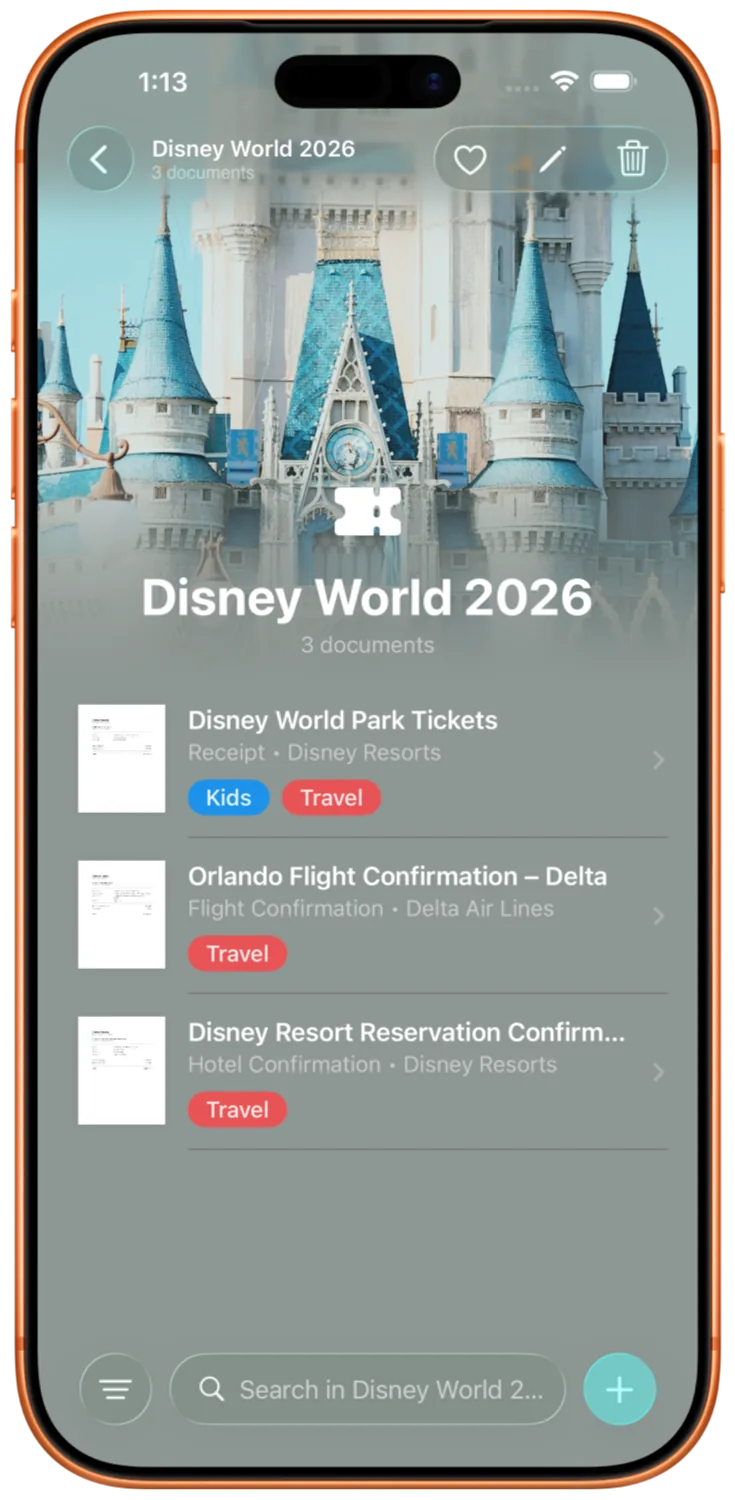
Organize your way
Tags, categories, and contacts keep files easy to find.
Make it yours
Give any tag, category, or contact a name, a color, and an icon. Afterpage doesn't get in the way of your system.
Recents to the front
The tags and categories you use most often always float to the top so an active trip or frequent contact is always right there.
Find your stuff fast
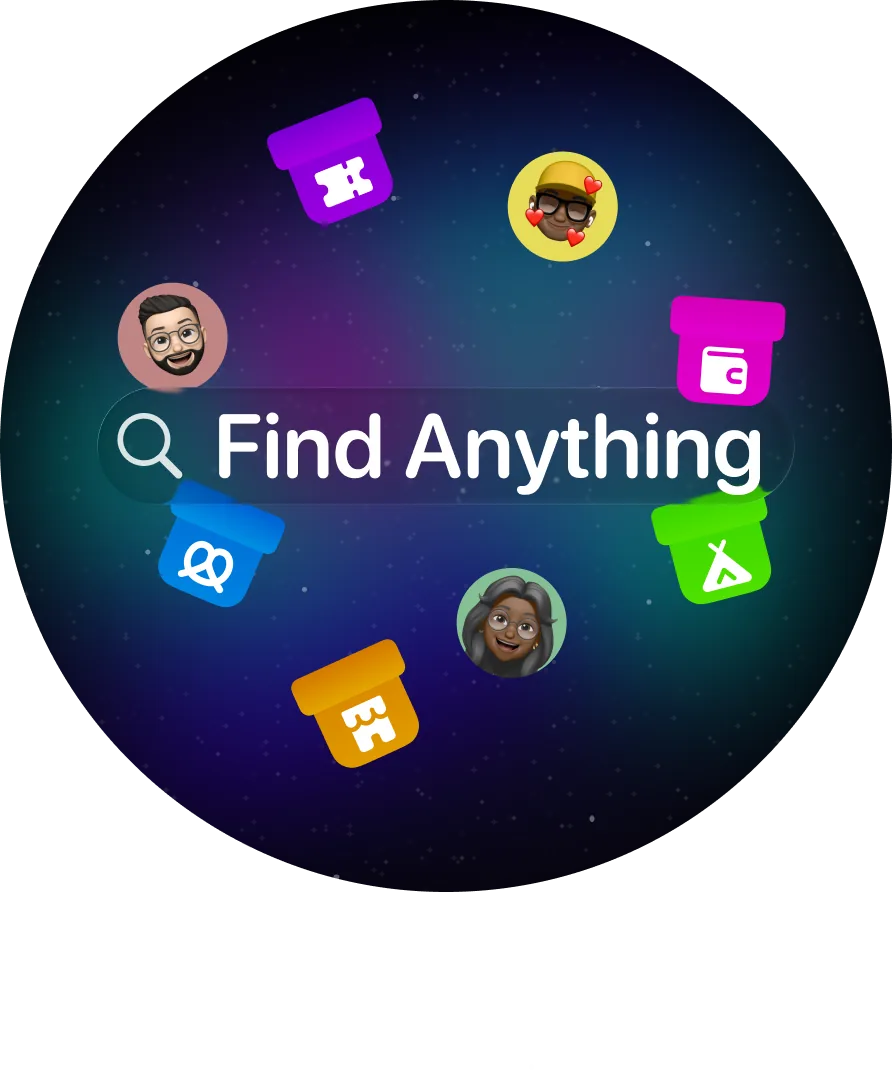
Search from anywhere in the app to get to what you need.
Afterpage uses on-device OCR and natural language tools to turn search into your superpower. Find your documents by what's inside them, not just the filename or tags you use (though that works, too).
Find from anywhere
Open a tag or category and search just inside it. Every collection has an intelligent search you can use to get to stuff faster.
A smarter search
Search uses advanced algorithms to show you the most relevant results. The most recent relevant documents will always be right up at the top.
Import from (almost) everywhere
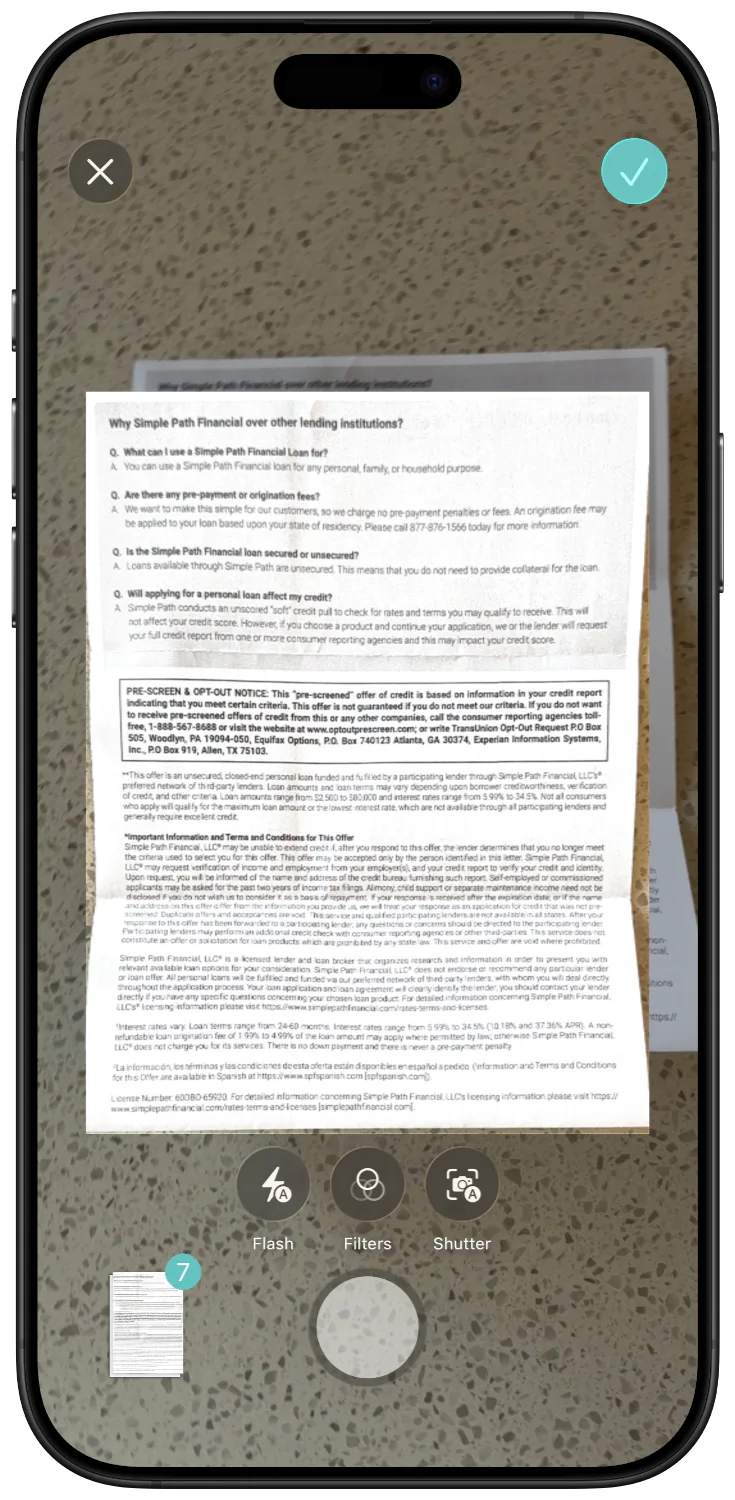
Any PDF or image can be imported into Afterpage, and you can use the document scanner in-app to import documents quickly.
Scan
The built-in scanner handles edge detection, perspective correction, and multi-page capture, then stitches everything into one PDF.
Import
Pull a PDF or image straight from Files, one at a time or a whole batch at once.
Share it in
Send a file from Mail, Safari, Photos, or anywhere else on iOS with a share sheet, without leaving the app you're in.
No accounts or external cloud services ever.
Afterpage uses Apple's secure and private iCloud service to store and sync your data.
No sign-up needed
There's no sign-in, no username, no password anywhere in the app.
Your iCloud, not our servers
Documents sync through your iCloud Drive, and tags and titles sync through a private CloudKit database tied to your account. Afterpage doesn't run a server that stores your documents, and can never access any of your data.
Free to start, simple to grow into
Scanning, OCR, and search are free for good. Pro adds the personalization on top.
- Scan and import as many documents as you need
- On-device OCR and full-text search
- Tags, categories, and contacts
- Sync across your iPhone and iPad with iCloud
- Everything in Free
- Custom icons for your tags and categories
- Custom background images, like a photo from the trip behind Disney World 2026
- New personalization and smart features as they ship
Questions
- Do I need to create an account?
- No. Afterpage identifies you through the iCloud account already signed into your device, the same way Files or Photos does. There's no sign-in screen anywhere in the app.
- Where do my documents actually live?
- In your own iCloud Drive. Afterpage doesn't run a server that stores your documents, and there's nothing shared or public about your library.
- Does Afterpage use AI to read my documents?
- It uses on-device Apple Intelligence to suggest a cleaner title after a document comes in, turning "Scan_0043" into something like "Comcast Bill – March 2026." It doesn't file or tag anything for you, and it only runs on devices where Apple Intelligence is available.
- What's the difference between Free and Pro?
- Scanning, OCR, full-text search, and iCloud sync are free without limits. Pro adds custom icons and background images for your tags and categories, plus new personalization features as they roll out.
- What devices does it work on?
- iPhone and iPad, kept in sync through your iCloud account.